
Data analytics can seem intimidating if you’re not from a technical background. Terms like SQL, Python, or dashboards may feel like a foreign language. But here’s the good news: you can learn data analytics from scratch without being a programmer or math expert.
Data analytics is about understanding information and using it to make better decisions. This beginner-friendly guide will show you how to start learning, take practical steps, and apply your skills in real-world situations. By the end, you’ll have a clear roadmap, actionable exercises, and the confidence to move forward.
What Data Analytics Really Means
The Different Types of Data Analytics
Analytics isn’t one-size-fits-all. At a high level, there are four types:
- Descriptive analytics: Answers “What happened?” For example, tracking last month’s sales numbers.
- Diagnostic analytics: Answers “Why did it happen?” Maybe sales dropped because a marketing campaign underperformed.
- Predictive analytics: Answers “What is likely to happen?” For example, predicting which customers are likely to stop buying based on past patterns. (This is a common business use case, not a universal rule.)
- Prescriptive analytics: Answers “What should we do?” Suggesting the best action, such as adjusting pricing to improve revenue.
Understanding these types helps you see how data analytics works in practice and applies to everyday decisions.
Why Data Analytics Matters for Everyone
Analytics isn’t only for data scientists or programmers. Imagine you work in marketing and want to know which campaign performed best, or in HR trying to understand why employees leave. Data analytics for beginners shows you how to answer these questions with real information instead of guesswork.
Even in everyday life, you use analytics: tracking expenses, evaluating fitness routines, or planning a budget. At its core, analytics is a problem-solving skill, not just a technical skill.
Core Skills You Need Before Diving In
Basic Math and Statistics
You don’t need advanced math, but a few core concepts are essential:
- Averages and percentages: Identify trends and proportions.
- Correlation: See if two things move together. (Correlation does not imply causation.)
- Basic probability: Helps assess risk and likelihood.
These fundamentals make it easier to interpret data and avoid common mistakes.
Data Thinking and Problem-Solving
Analytics is more about thinking than coding. Start by framing questions clearly:
- What exactly do you want to find out?
- Which data will help answer it?
- How will you measure success?
For example, if sales drop, ask: Are certain products underperforming? Did customer demographics change? This approach makes analysis meaningful and actionable.
Spreadsheets First
Excel or Google Sheets is beginner-friendly and powerful. You can:
- Sort and filter data
- Use formulas to calculate trends
- Create charts to visualize information
Mastering spreadsheets is a safe first step for beginners in data analytics before moving to more advanced tools.
Essential Tools for Beginners
SQL for Data Queries
SQL (Structured Query Language) lets you pull information from databases. You don’t need to become a programmer—simple commands can answer powerful questions:
- Which products sold the most last month?
- What percentage of customers returned?
(Syntax may vary depending on the database, but the basics are widely applicable.)
Learning SQL is a key step in a data analytics roadmap for beginners.
Visualization Tools
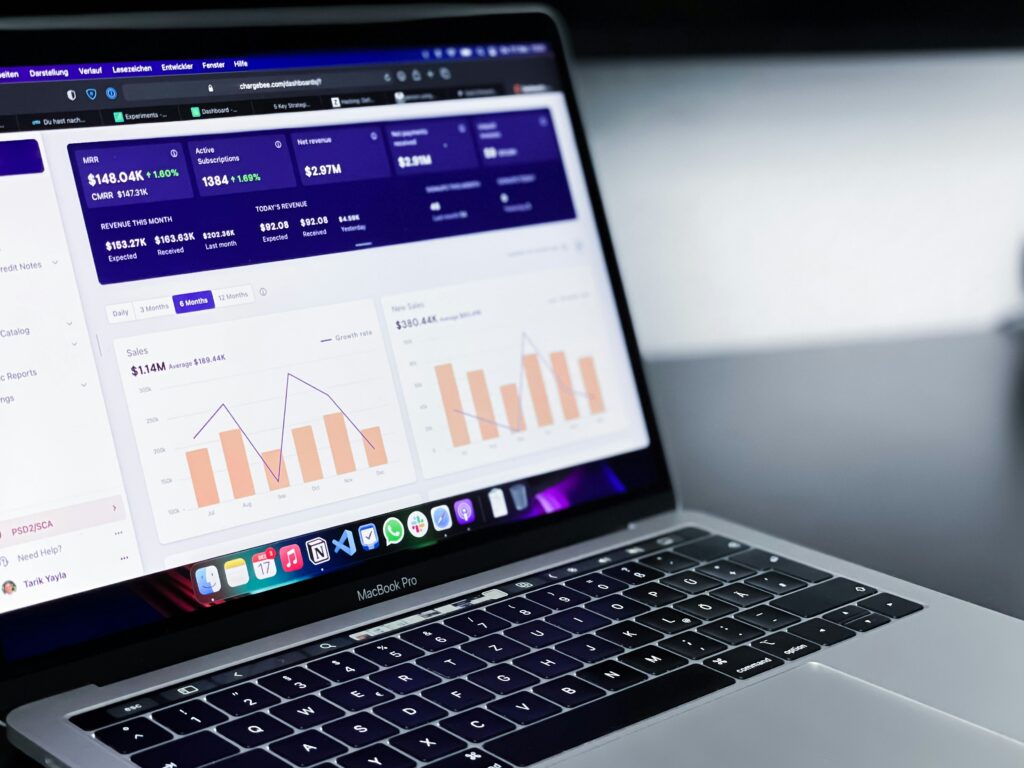
Turning data into visual charts makes patterns obvious. Tools like Tableau or Power BI help you create dashboards and insights. Start with free versions or trials to practice simple charts and comparisons.
Optional Coding (Python or R)
Python or R is helpful for deeper analysis, but it’s not required at the start. Think of coding as a tool to automate tasks or handle larger datasets. Beginners can learn analytics effectively without it, then explore it later if needed.
Note: Many beginners find it helpful to combine self-practice with guided courses. For example, The TechVille Data Analysis program walks you through spreadsheets, SQL, and visualization with structured exercises and real-world examples. This can complement your mini-projects and speed up skill-building.
A Step-by-Step Roadmap to Learning Analytics
Week-by-Week Approach
- Weeks 1–2: Learn basic statistics and spreadsheet functions.
- Weeks 3–4: Practice with sample datasets—calculate averages and create charts.
- Weeks 5–6: Start SQL basics—query small databases.
- Weeks 7–8: Explore visualisation tools—build simple dashboards.
- Week 9+: Combine skills in mini-projects using real datasets.
(Timelines are approximate; everyone learns at their own pace.)
Consistency matters more than speed. Even 30–60 minutes of focused practice a day will add up quickly.
Building Mini Projects
Projects reinforce learning and build confidence. Ideas include:
- Analyze a small business’s sales data to identify top-selling products.
- Track your personal expenses and visualize spending patterns.
- Download a public dataset and answer a simple question, like factors influencing house prices.
Mini-projects demonstrate how data analytics for beginners works in practice and give you something tangible to showcase.
Tracking Your Progress
Keep a simple journal of what you learn and projects you complete. Document formulas, queries, and charts. Over time, you’ll see your skills grow, which is motivating and helpful for future opportunities.
Common Challenges and How to Overcome Them
- Fear of coding: Start with spreadsheets and SQL—coding is optional.
- Overwhelm from too many tools: Focus on one tool at a time. Master the basics first.
- Impatience: Analytics skills take time. Start small and celebrate wins.
- Confusion about theory vs. practice: Balance learning concepts with applying them in projects.
Next Steps After the Basics
Once you’re comfortable:
- Apply your skills in your current role or in freelance projects.
- Explore certifications like Google Data Analytics Certificate or Microsoft Power BI Certificate.
- Keep learning—analytics is a field that grows with experience and practice.
Conclusion
Starting with data analytics from scratch doesn’t require a tech degree. Focus on the fundamentals, practice regularly, and tackle real-world projects. Begin with spreadsheets, gradually learn SQL and visualization tools, and build confidence along the way.
Pick one small project today—perhaps analyzing your budget or a public dataset—and take the first step. Progress, not perfection, is what matters.
FAQ Section
Q: Do I need coding skills to start learning data analytics?
A: No. You can begin with spreadsheets and SQL. Coding is optional and helpful for more advanced tasks.
Q: How long does it take to learn data analytics from scratch?
A: It depends on your pace. A structured approach with 30–60 minutes daily practice can build strong beginner skills in 2–3 months.
Q: Which tools should I start with as a beginner?
A: Excel or Google Sheets first, then SQL for data queries, and visualisation tools like Tableau or Power BI. Python or R is optional.
Q: Can I learn data analytics without a tech background?
A: Absolutely. Analytics is about problem-solving and interpreting data, not just technical skills. Many beginners start with spreadsheets and grow from there.